Make the trend your own

Gangsta's Paradise AI Rap Video Generator | Pictell

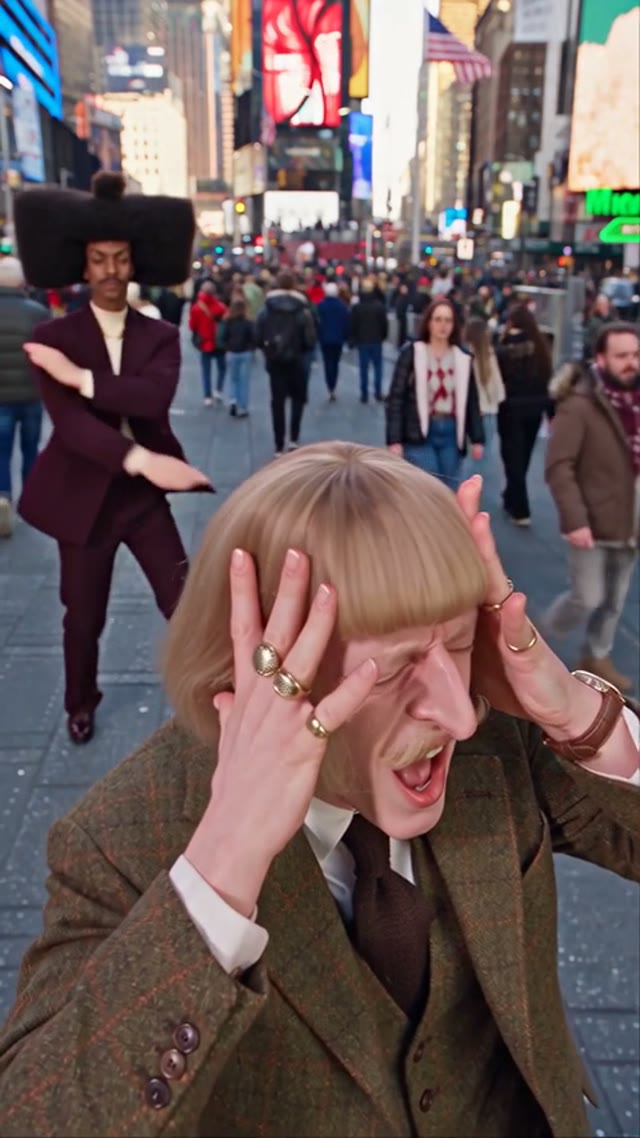
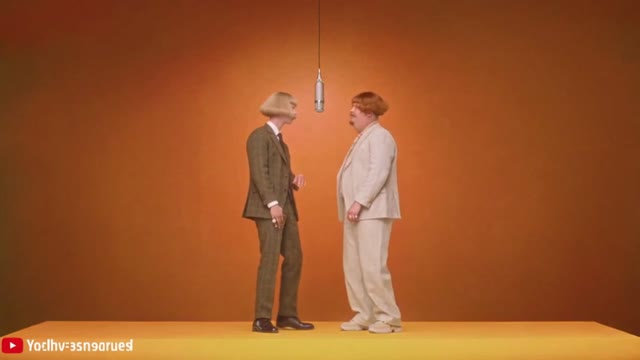
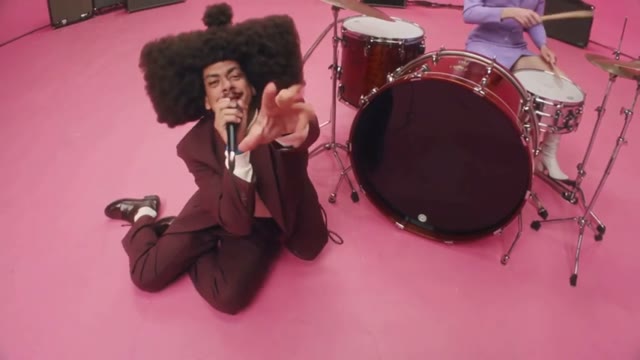
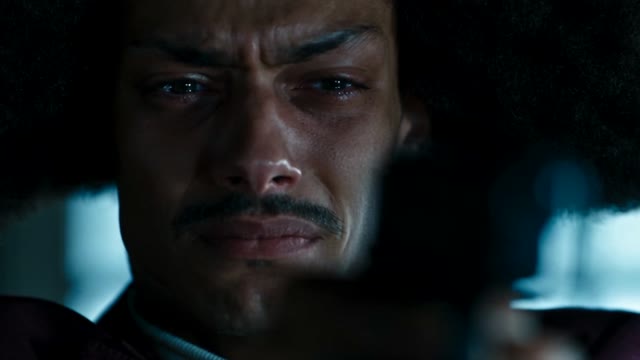
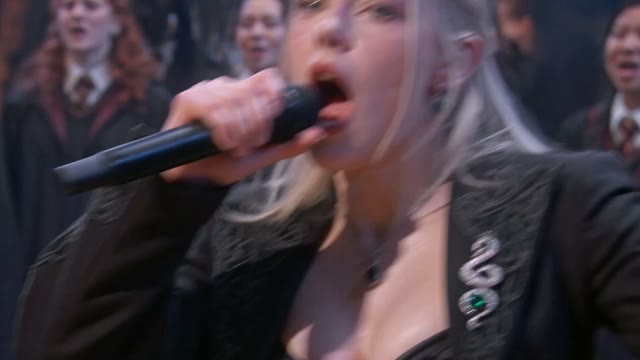
Make your own Gangsta's Paradise AI rap video. Choose your performers, choir, and stage to reimagine an iconic performance.

Featured trends
Gangsta's Paradise

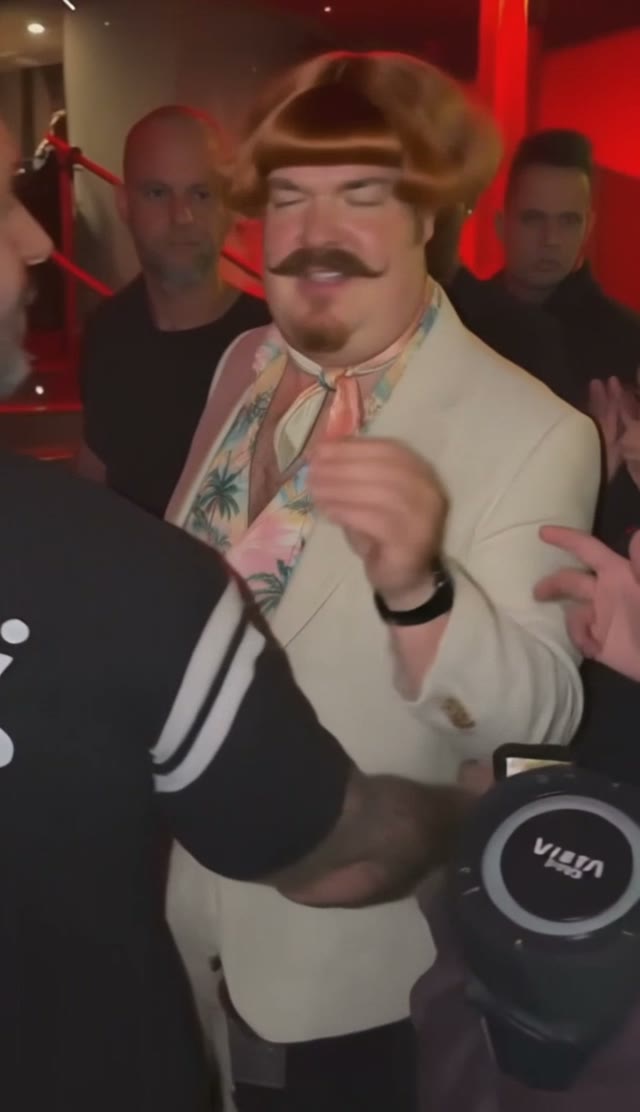
Gangsta's Paradise — video frame
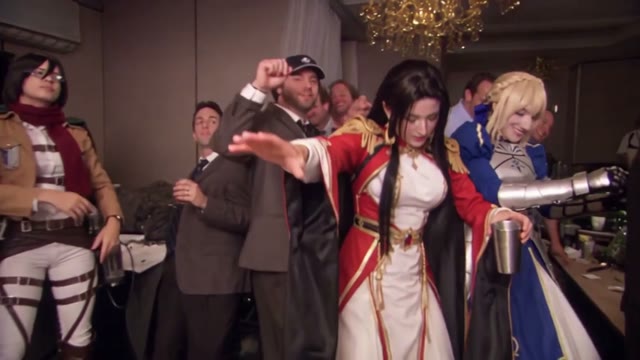
Bicep Heart — video frame
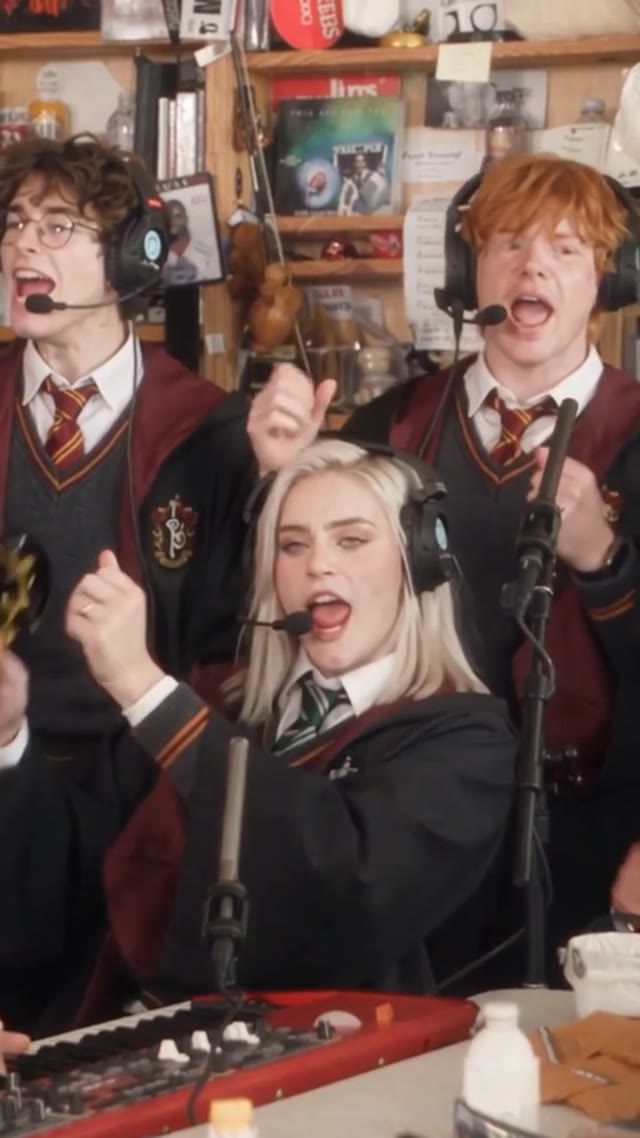
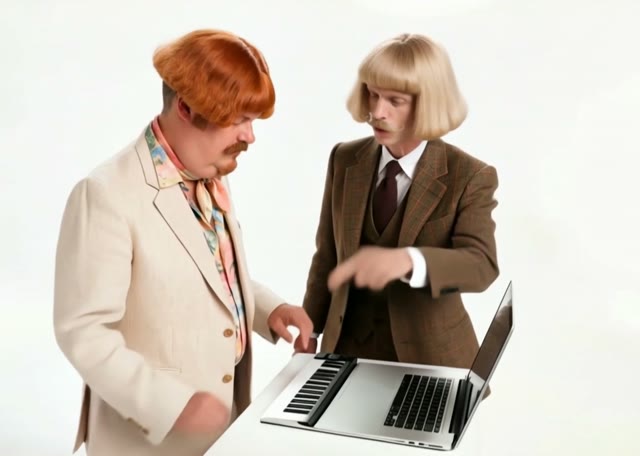
Outstanding Tiny Desk AI — video frame
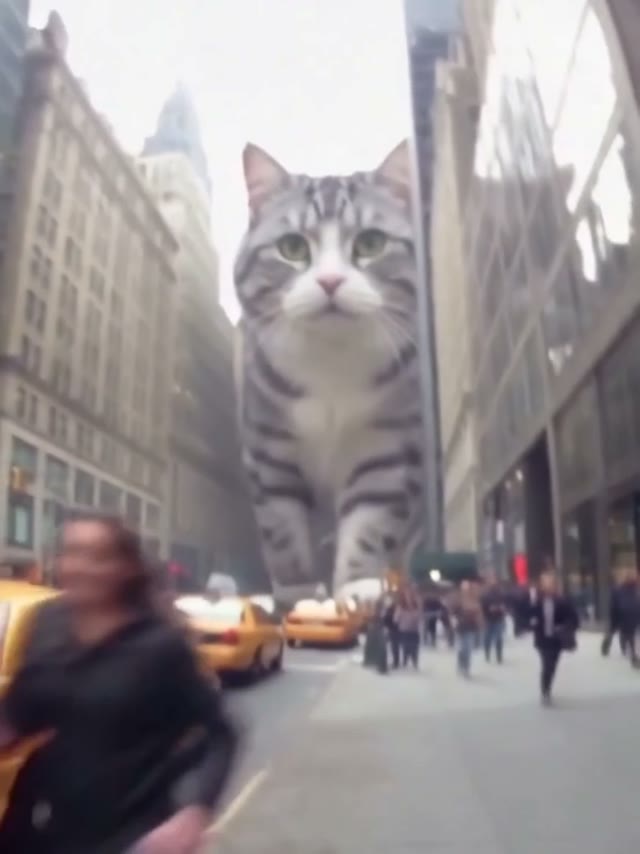
AI Giant Dog On Street — video frame
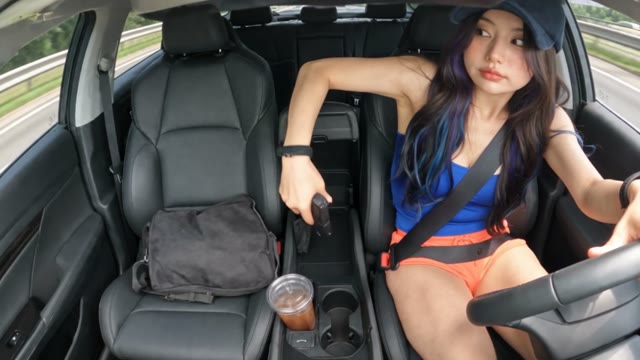
AI Gun Shot — video frame
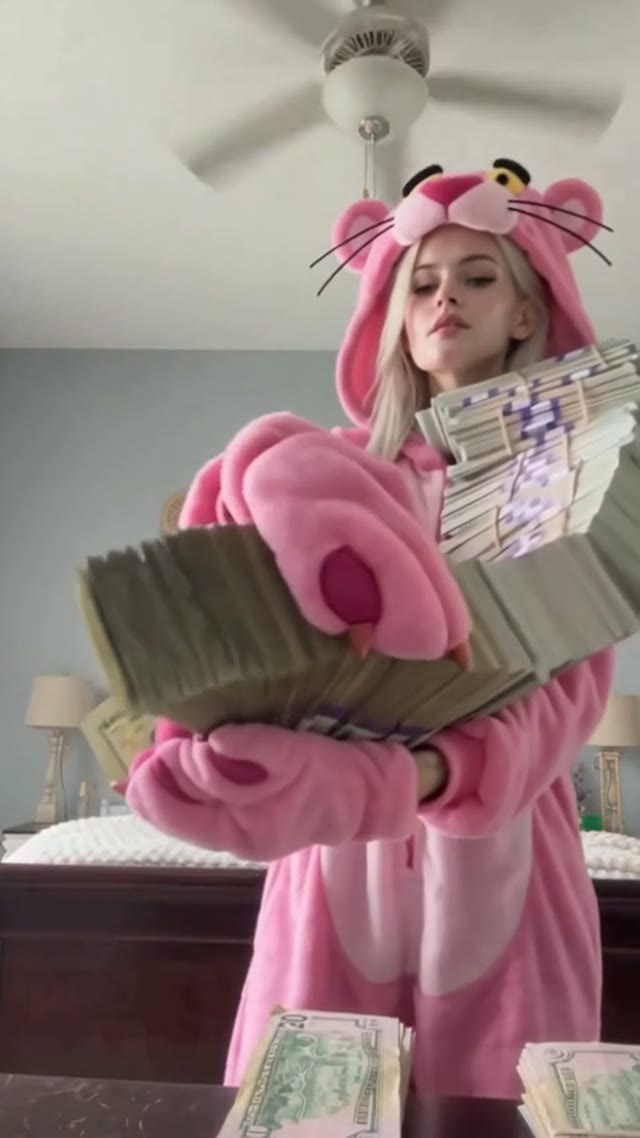
AI Money Flex — video frame
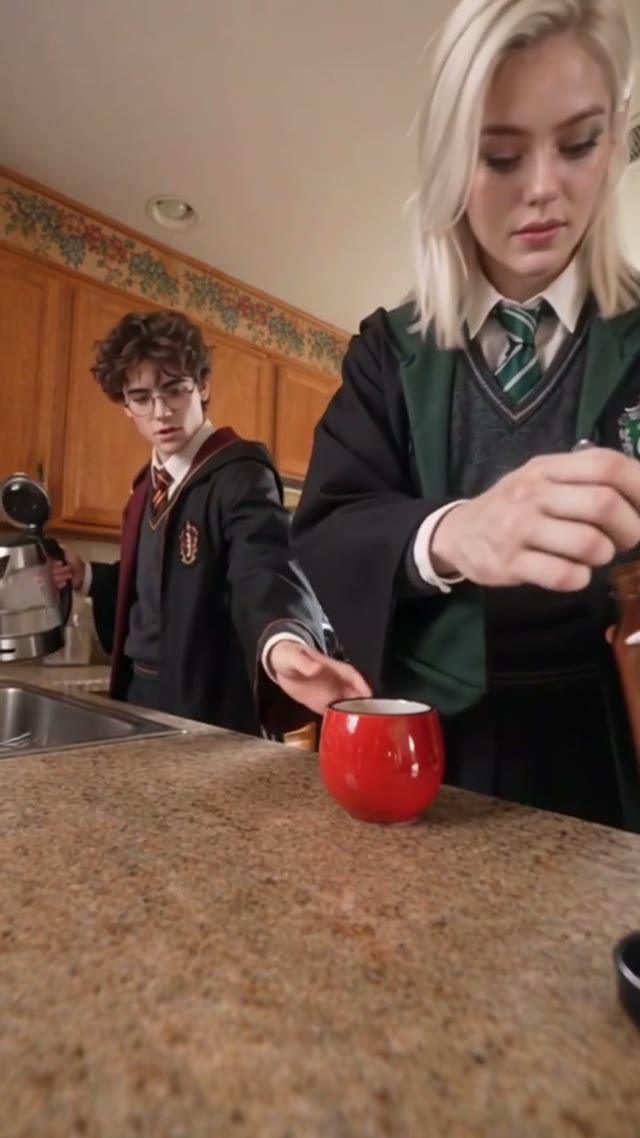
Coffe Fail — video frame
PSY – Gangnam Style — video frame
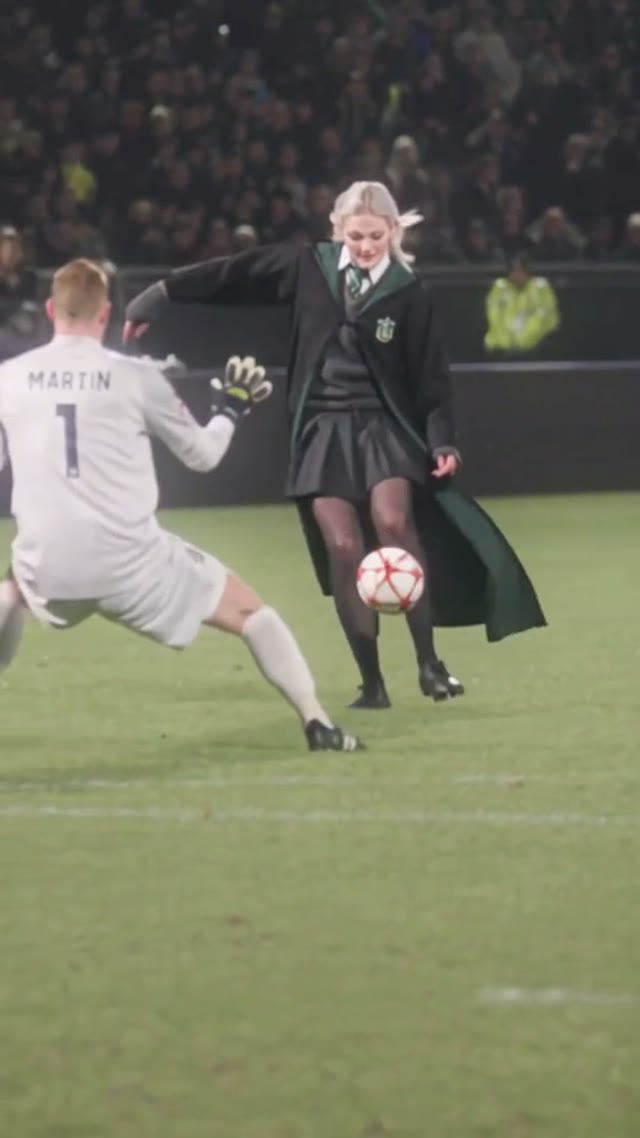
Ozil AI Goal — video frame
Bad Times AI — video frame
Bulin 47 AI — video frame
Alors on Danse AI — video frame
Burning Bridges AI — video frame
Topo Gigio AI — video frame
Smalltown Boy AI — video frame
Hotel Lobby AI — video frame
APT AI Video — video frame
Zombie Couple Video — video frame
Rumpelstiltskin AI — video frame
AI Dunk Video — video frame
Video preview
iPhone Kupi — video frame
Lamine Yamal 304 dribble — video frame

How to Make a Gangsta's Paradise AI Rap Video

Choose your performers, choir, and stage to reimagine the Gangsta's Paradise performance in your own style.

Choose Your Performers

Upload one image for the lead rapper and one for the second performer. A clear, front-facing image helps define each character for close-up shots.

Create Your Choir and Stage

Upload a reference for the background performers and another for the stage. Choose a choir and setting that bring your idea to life.

Generate the Performance

Generate your video using the preset performance as a guide, then review the characters, movements, and close-ups.

Brick-style rapper and supporting singer performing with a choir

A Rap Performance With Your Own Cast

Picture your lead rapper stepping up to the microphone as a second performer and choir share the stage. Close-ups and wider shots capture the energy of a live performance, reimagined with characters of your choice.

Creative brick-style characters performing together on a rap stage

Give Every Role a New Look

Imagine a brick-built rapper backed by a toy choir, animated characters in a dramatic concert, or an unexpected duo sharing the spotlight. Your cast and background performers help shape the story.

Brick-style rap performance on a futuristic city stage

Take the Performance Somewhere New

Set your AI rap video in a grand concert hall, a futuristic city, or a stage made of colorful bricks. The venue brings a new mood to a familiar performance, from dark and dramatic to playful and surreal.

Gangsta's Paradise AI Rap Video FAQ

What is a Gangsta's Paradise AI rap video?
A Gangsta's Paradise AI rap video reimagines the iconic performance with a new cast and setting. Creators have made their own versions, placing fictional characters, animated figures, and other unexpected performers on stage. This Pictell workflow uses reference media and your images to help you create your own take.
Who originally performed Gangsta's Paradise?
Gangsta's Paradise was released in 1995 by American rapper Coolio, featuring singer L.V. Coolio delivers the rap verses, while L.V. sings the memorable chorus. The song draws on Stevie Wonder's Pastime Paradise.
What does each upload control?
Lead singer and Second performer set the two foreground characters. Background people sets the choir. Stage & environment sets the venue, set design, and lighting.
Can I change the choir and the stage?
Yes. In addition to the two performers, you can provide separate images for the background people and the stage. Try a toy choir, an animated cast, or a different concert setting to make the performance your own.
What photos work best?
For the lead rapper, choose a sharp, well-lit image with the face clearly visible for the close-up shots. Use a clear image for the second performer, and consider a full-body view for wider shots. For the choir and stage, choose images that show the group and venue you want.
Does the original performance stay the same?
The workflow uses a reference depth video to guide camera movement, shot order, and performer motion. Your images guide the new cast and stage. Results, including facial details and lip movements, may vary between generations.
Which model should I use?
Wan 3.0 is the default. Wan 3.0 Prime, Seedance 2.5, and Kling V4.0 are available in Advanced options. For better character consistency across shots, we recommend trying Seedance 2.5.
Is this affiliated with the original song or artists?
No. This is an independent Pictell workflow for AI-generated performances. Use images you have permission to use, and label realistic outputs as AI-generated when you publish them.

Who Will Take the Stage in Your Version?

Choose your cast, choir, and stage to create your own Gangsta's Paradise AI rap video.