
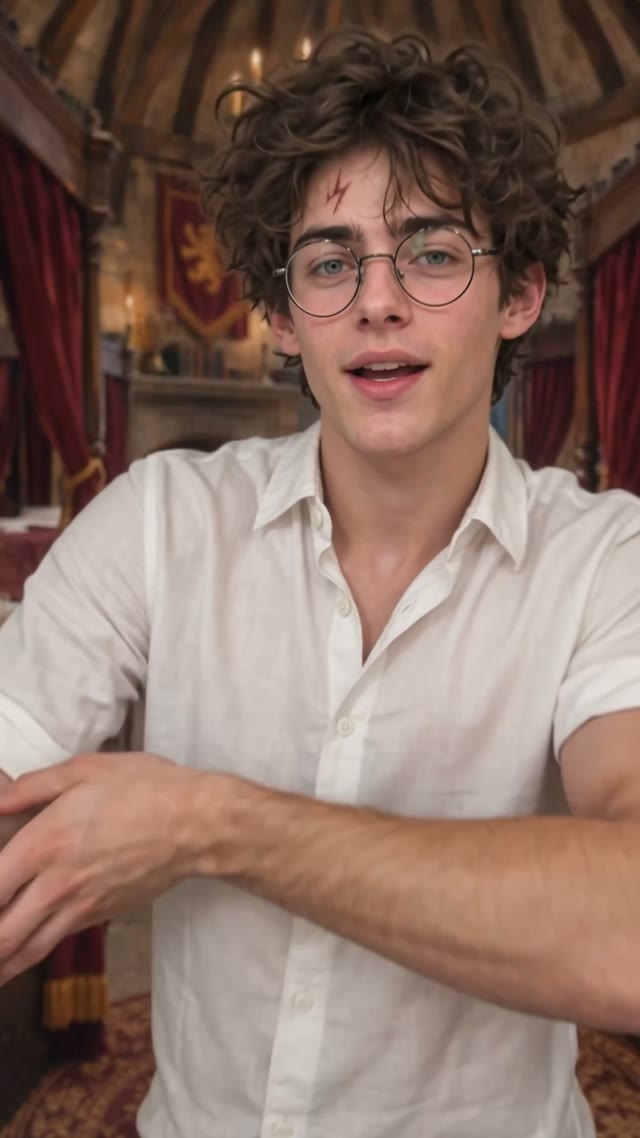
Dance
Bicep Heart
Make the trend your own
Pick a trending video, add your people, pets or characters, and create your own version.
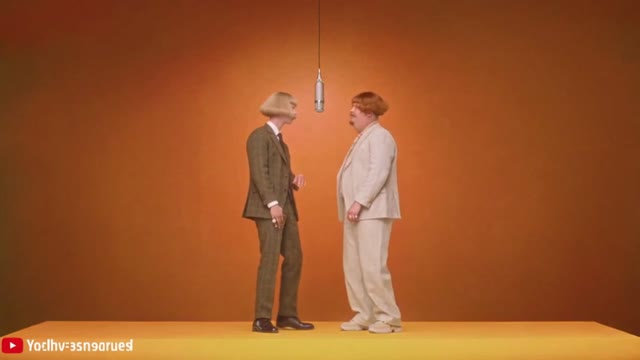
Featured trends
Migos Hype Lobby Rap Duo
Bicep Heart
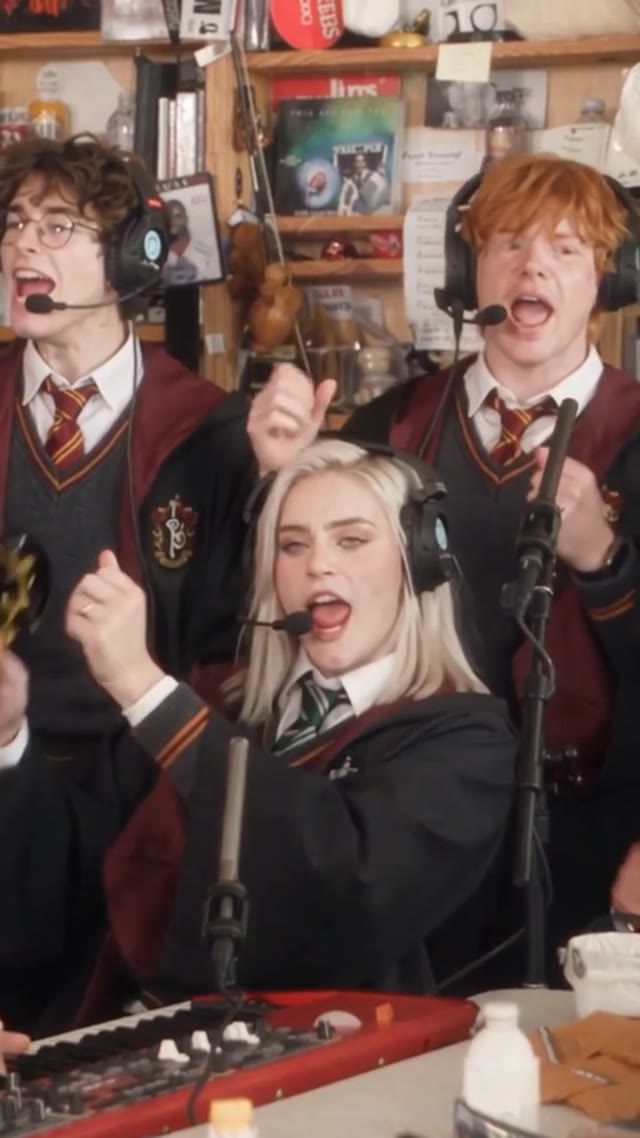
Outstanding Tiny Desk AI
Your Friends, Your Pets, Your Tiny Desk Band
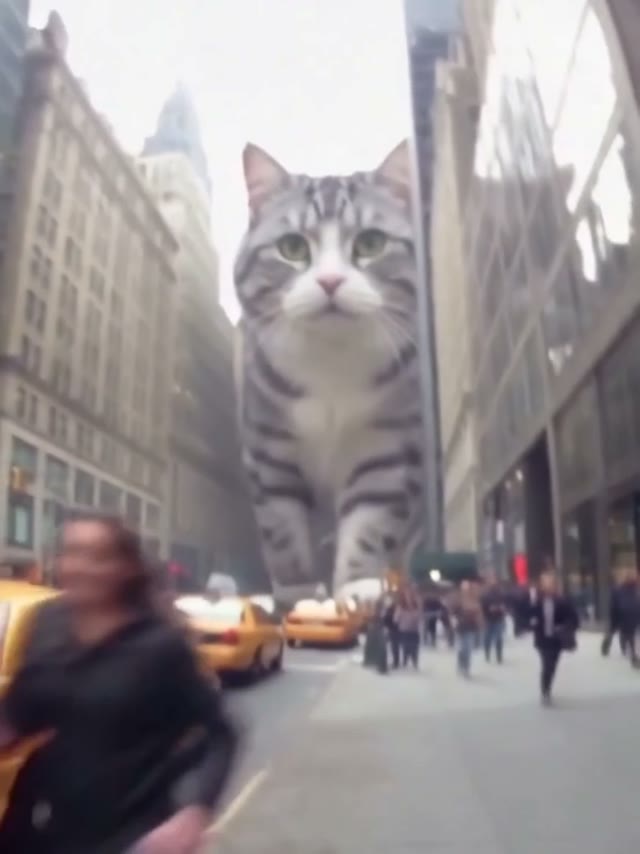
AI Giant Dog On Street
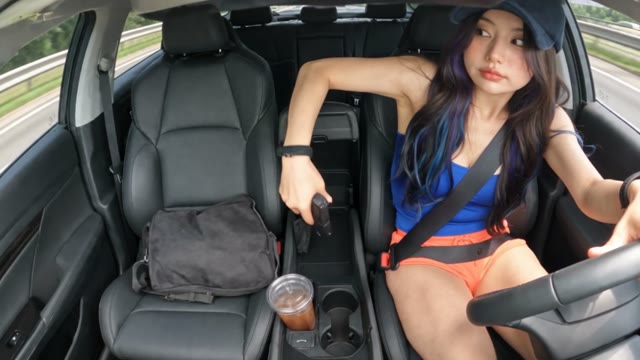
AI Gun Shot
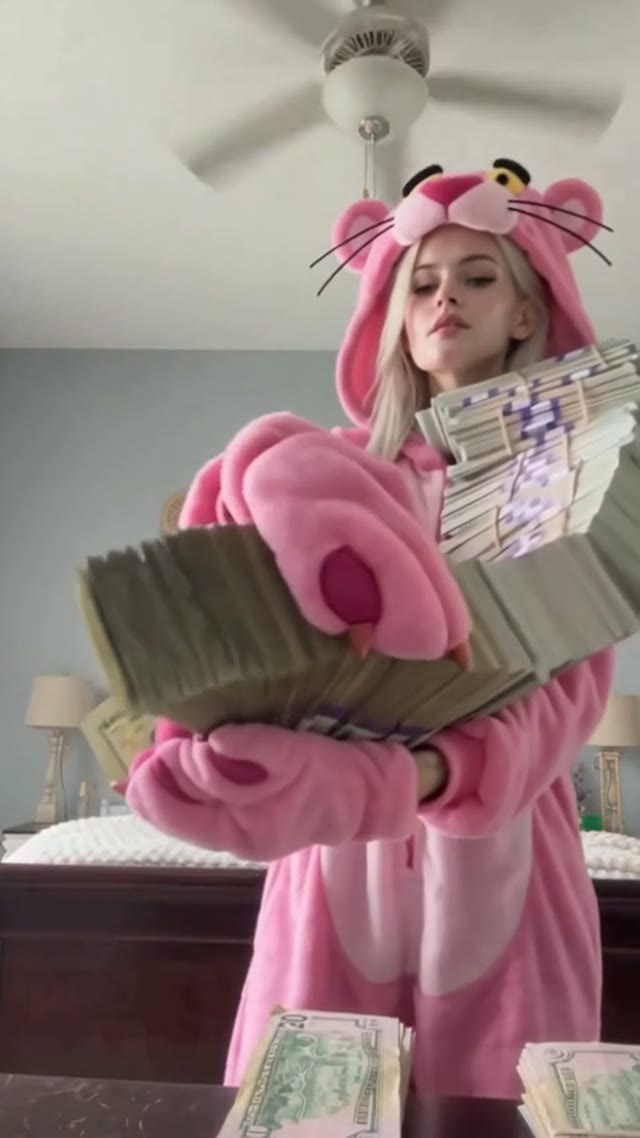
AI Money Flex
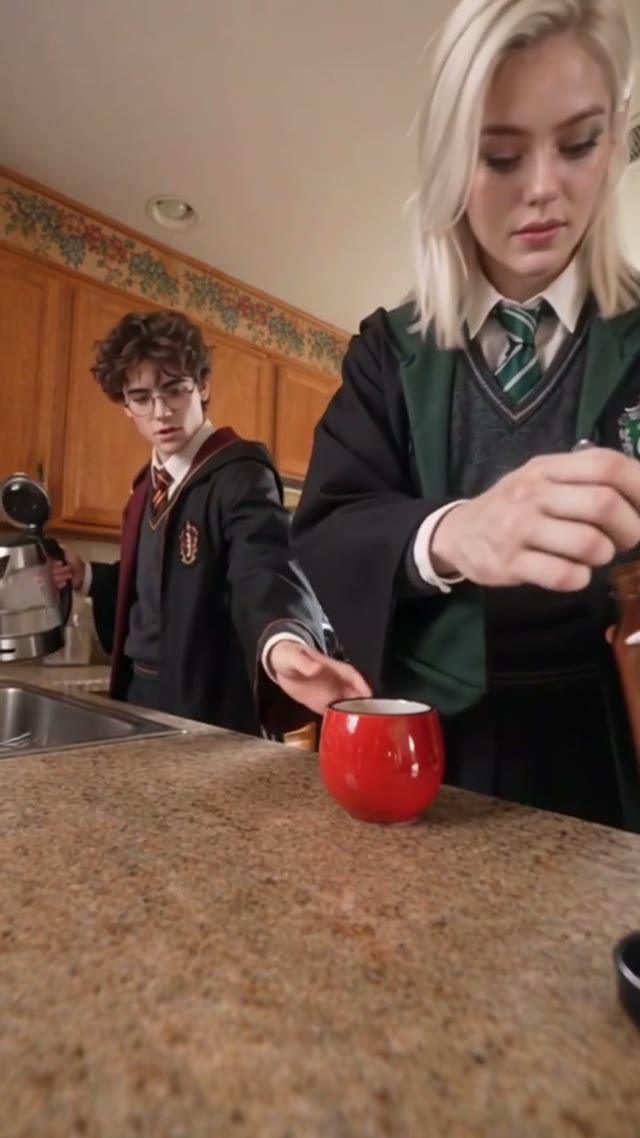
Coffe Fail
PSY – Gangnam Style
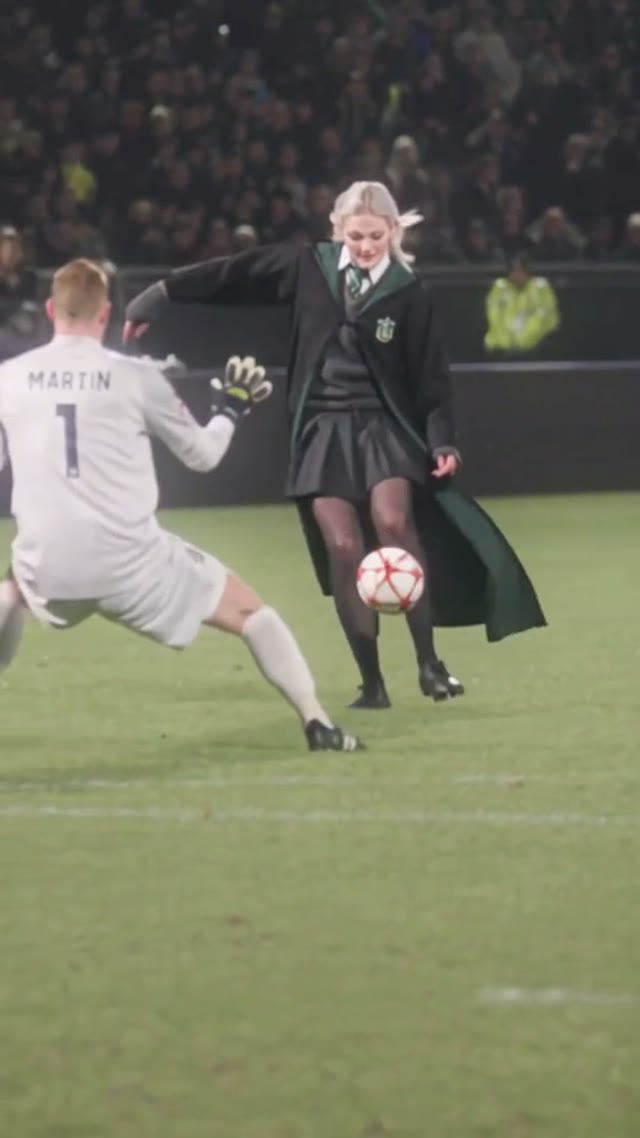
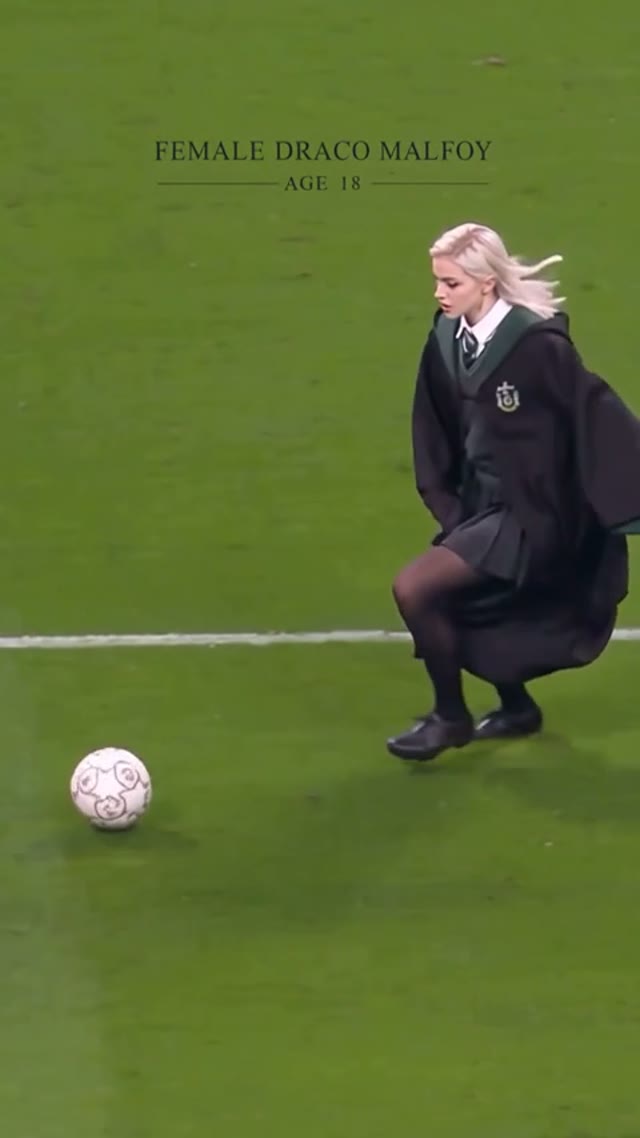
Ozil AI Goal
Score the Viral Özil Goal
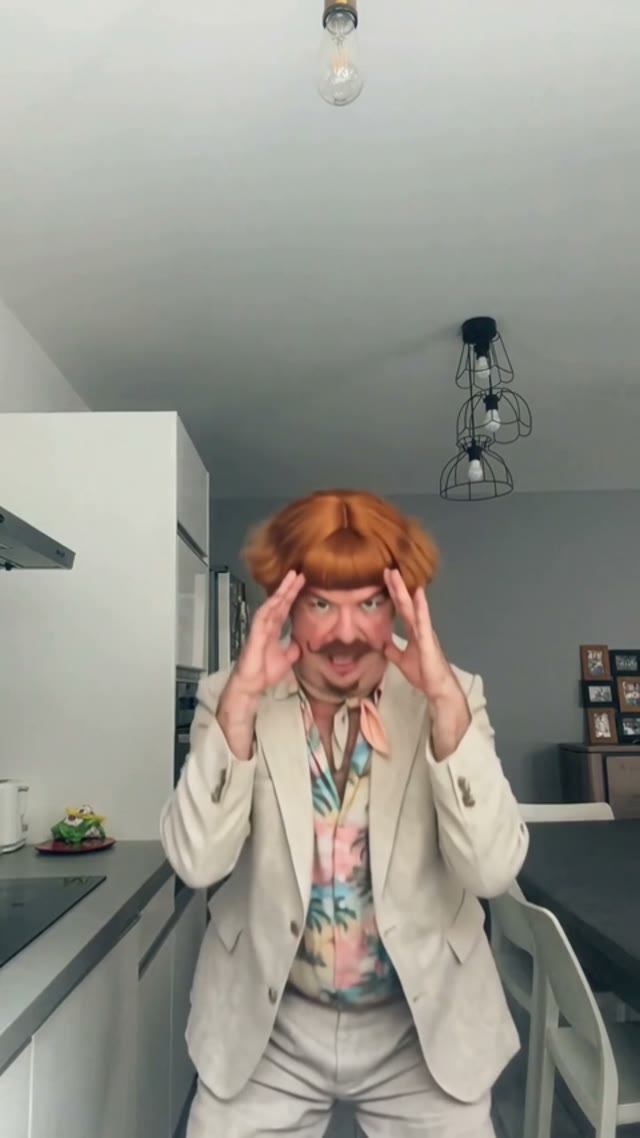
Bad Times AI
Your Pet Argues With You on Beat
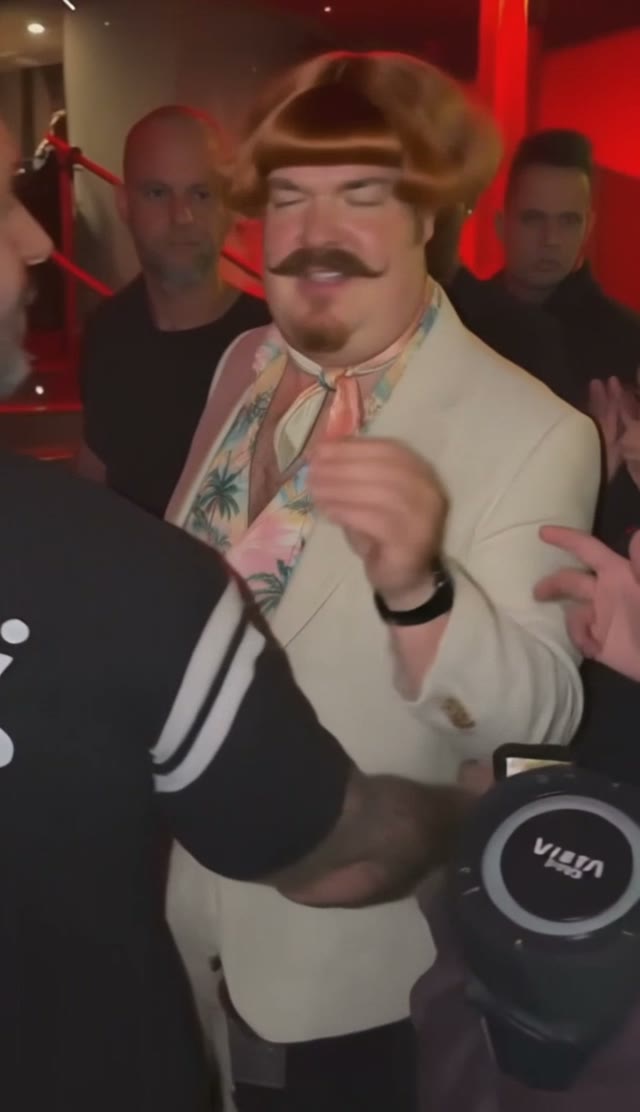
Bulin 47 AI
High Energy Freestyle Rap Clip
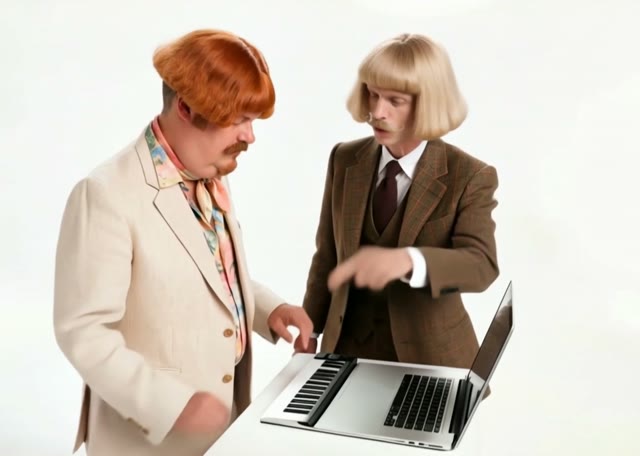
Alors on Danse AI
Keys Solo & Room Hype Duo
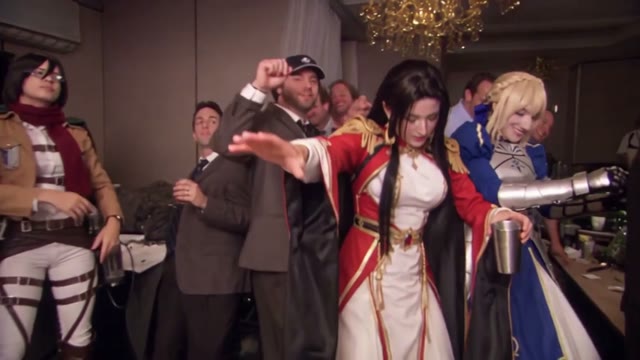
Burning Bridges AI
Where She At Gesture & Party Entrance
Topo Gigio AI
Iconic Football Ear Celebration
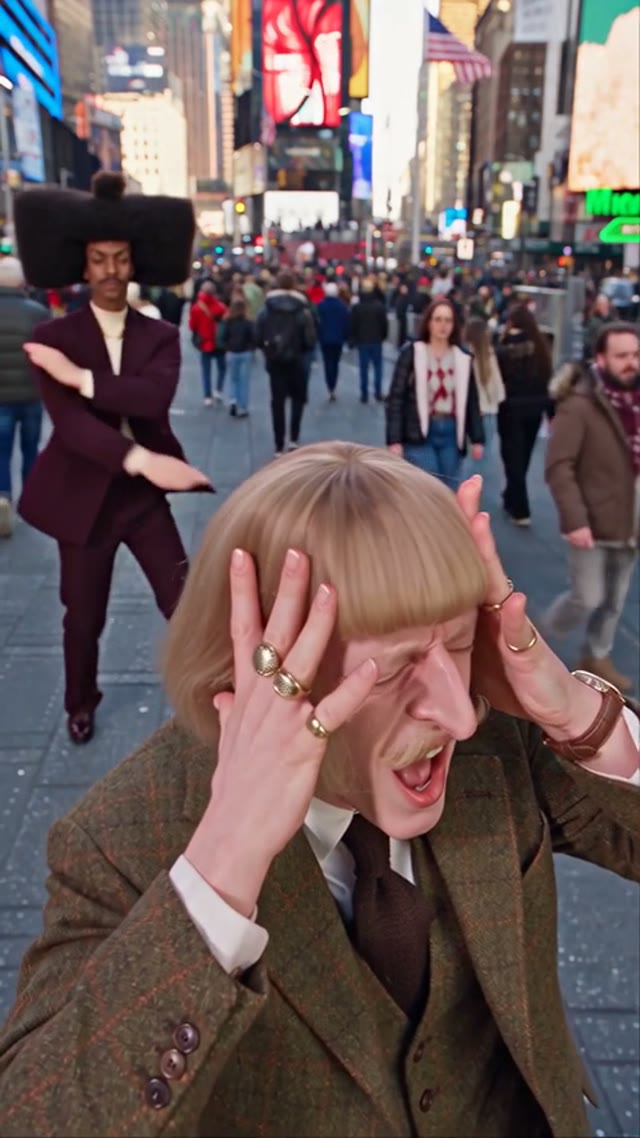
Smalltown Boy AI
Fisheye Scream, Swap & 80s Dance
Hotel Lobby AI
Migos Hype Lobby Rap Duo
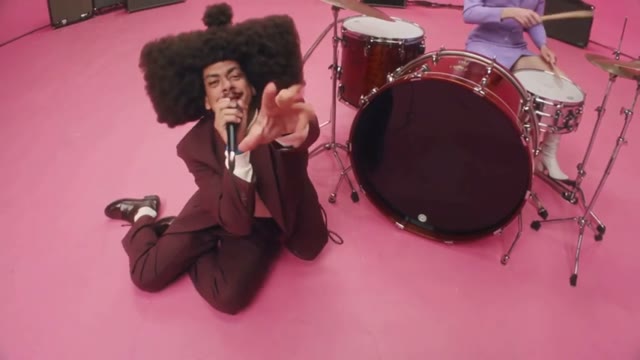
APT AI Video
ROSÉ & Bruno Mars Pink Studio Duo
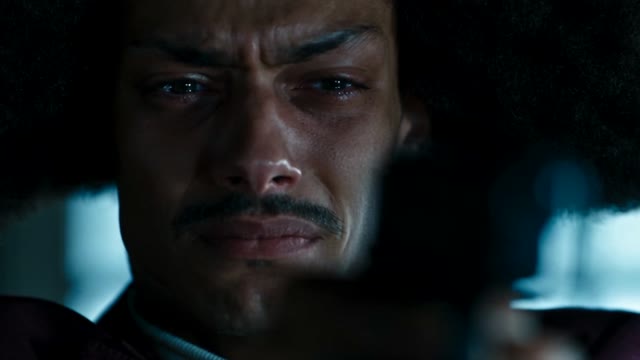
Zombie Couple Video
Survivor & Zombie Romance Story
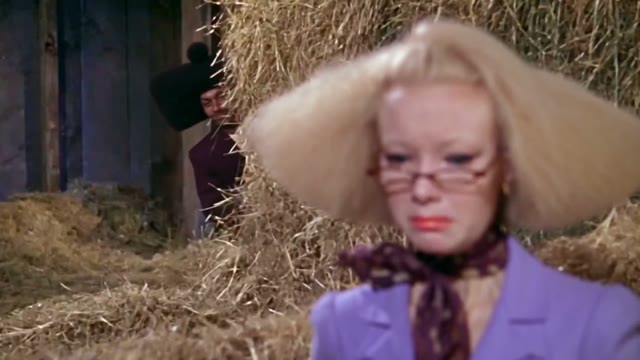
Rumpelstiltskin AI
Tiptoe Imp & Straw-to-Gold Dance
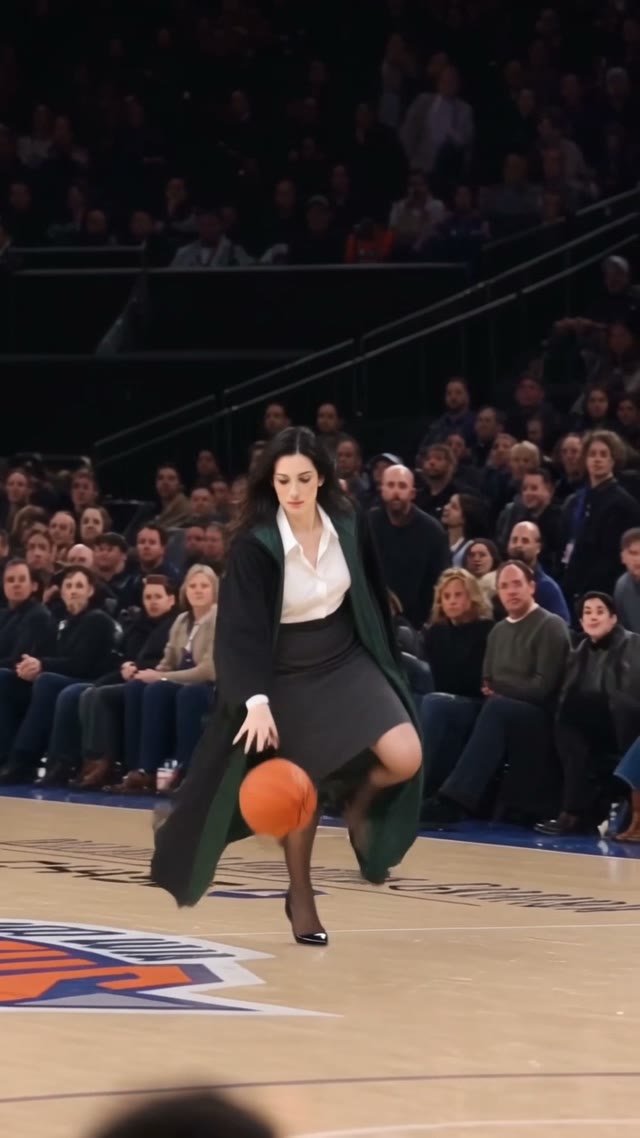
AI Dunk Video
Beauty snap
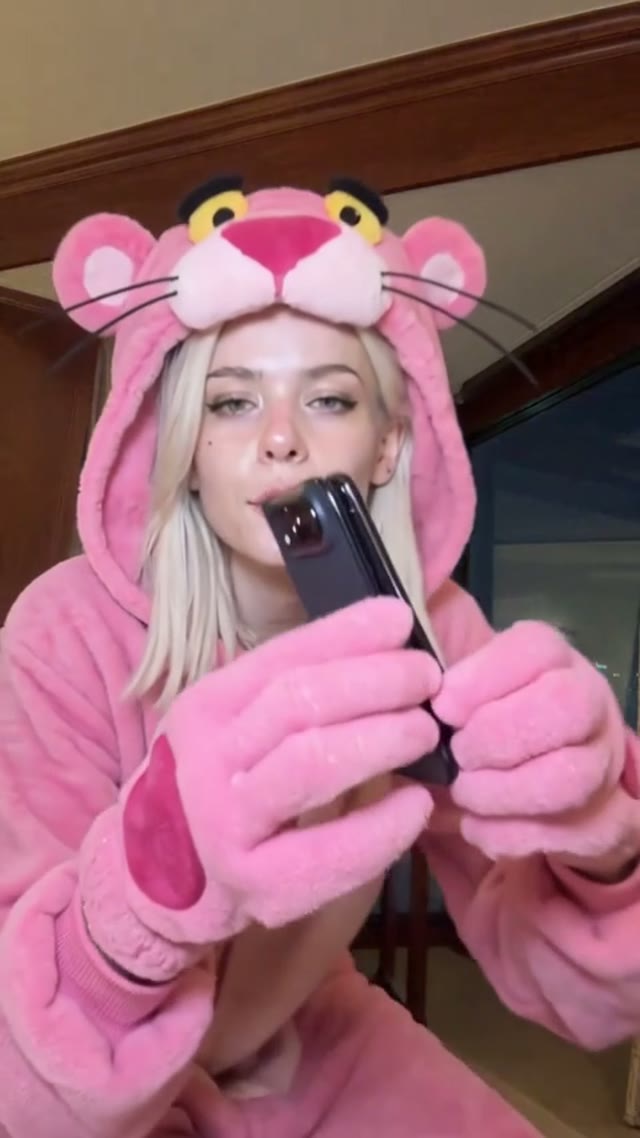
iPhone Kupi
Lamine Yamal 304 dribble
Viral trends, your version
Pictell Remix makes it easy to join trending video moments. Choose a template, add your photos, and create your own take on a viral trend.
Bring people you know into a music performance, dance or meme the template supports.
Cast a cat, dog or other character when the template is built for that.
Try different roles and directions. Example videos show a possible result, not a guarantee.
How it works
01 / Choose
Explore curated trends and preview a video. Pick a template to load its form.
02 / Make it yours
Upload a photo for each role the template asks for. Required files, size and type follow that form.
03 / Create
Create in this workspace. Download the result, or continue in Canvas when the template has a workflow.
Make a trend your own
Group cast
Choose a multi-role template and assign a different photo to each part. The template brings its own creative setup into the studio.
Hotel Lobby AI
Dance remix
Take a trending scene, add your own character and create a version worth sharing.
Burning Bridges AI
Canvas
Open a supported workflow to explore its nodes and customize prompts, references and models.
Your workflow, your direction
Explore viral trends
From viral performances to trending memes, find a video and make it your own.
Who can use it
Pictell Remix starts from a template. It fits anyone who wants a familiar moment with their own photos.
Join a dance, performance, or meme your audience already recognizes, then put your own cast at the center.
Assign a photo to each role when a template asks for more than one person.
Use a pet or character photo when the template is built for that. Other templates stay with the roles they list.
Generate in the studio first. Open Canvas when the template has a workflow and you want to change prompts, references, or models.
Best practice
Start with strong references, choose the right technique, and refine your result in stages.
01
Use a clear portrait, ideally a full-body photo against a clean background. A character sheet can make appearance and clothing easier to keep consistent. Create one with the image generator.
02
For many trends, an object or character swap is enough to give a familiar scene a fresh, shareable twist. For broader changes while preserving the original camera movement and action, try motion transfer in Canvas.
03
AI video can struggle with many distinct characters. Limit replacements to the main subjects and use one reference image for background people. For larger changes, try motion transfer with reference images and a clear prompt.
04
Convert the source into a depth video, extract the audio, and describe the scene and action in a video prompt. Combine these references with a compatible model, such as Seedance 2.5 or Wan 3.0, where supported.
05
Try an edit model or a lower-cost video model to test the scene and prompt. Once the result is close, switch to a higher-quality model and resolution for the final generation.
Good to know
Pictell Remix is a workspace for starting from a video trend and creating a new version with your own images. Options depend on the template and its model.
Choose a template, upload the images it asks for, review the settings, then create. Each template keeps the same form as its original page.
Yes. Choose Custom in the remix studio and upload your own video as a reference.
It depends on the template. Some use one image, others have several named roles. The studio shows the required uploads.
Supported templates can be opened in Pictell Canvas with the current form values. Templates without a workflow hide that action.
Audio behavior differs by template and model. Check the template page before you share, and only use material you have rights to.
Higgsfield Genjutsu offers object swap and motion transfer, with optional prompts and reference images. Pictell Remix lets you adjust prompts and select from available models; supported templates can also be opened in Canvas to customize the workflow. Available controls depend on the template and model.
Pollo Recast lets you recreate videos using reference assets and prompts. Pictell Remix combines trend templates with editable prompts and a choice of available models, plus Canvas workflows for supported templates. Controls and model availability vary by workflow.
For an object or character swap, start with a video editing model. For broader changes to characters or settings, try a video generation model that supports image, video, and audio inputs, where available.
Choose a trending video and create your own version.